





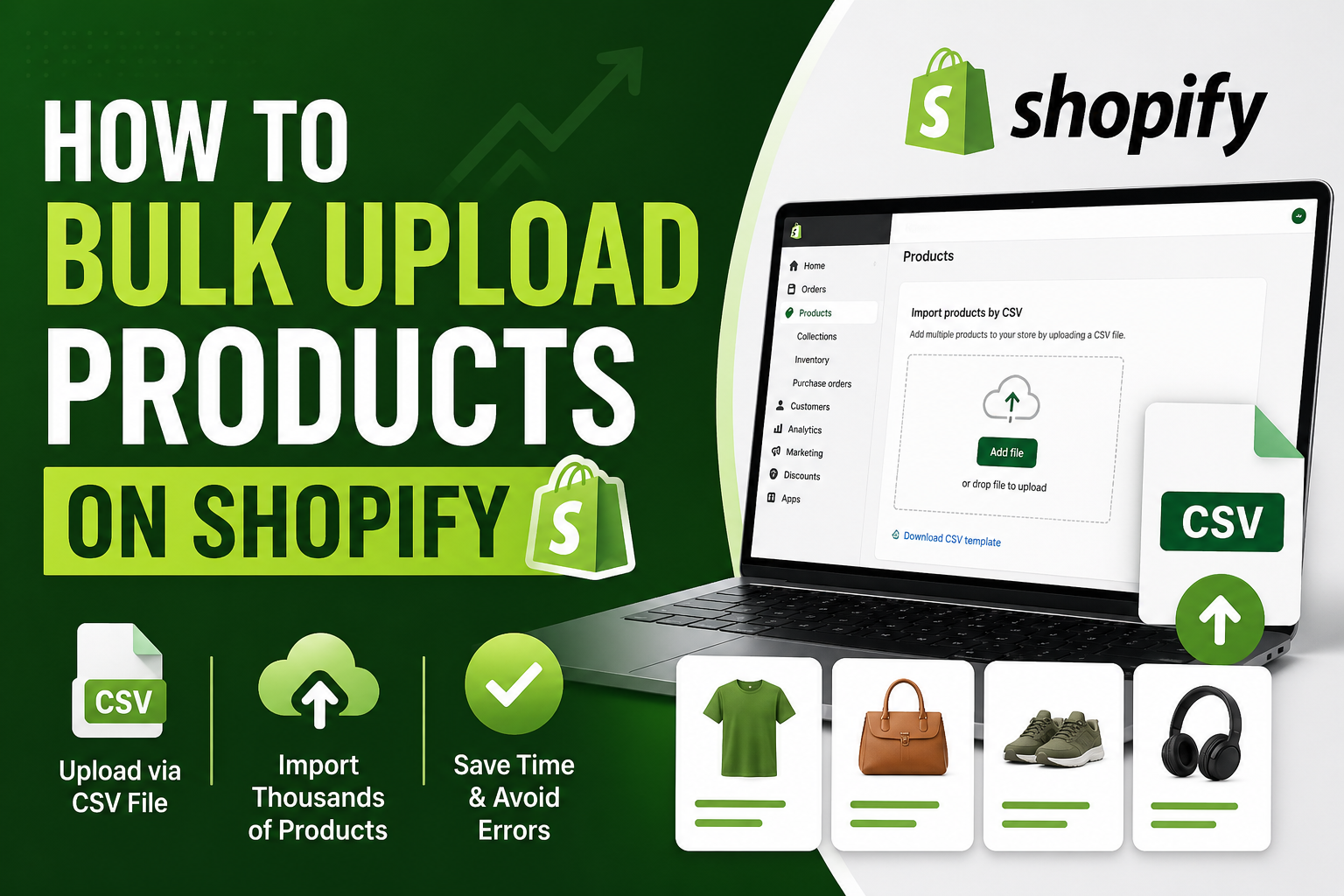
Uploading 20 Shopify products manually feels simple. Uploading 20,000 is where things break.
A lot of ecommerce founders underestimate product upload work because the first few listings feel manageable.
You add product title, upload images, write descriptions, add variants, set pricing—and everything seems fine.
Then your catalog grows.
Suddenly you're dealing with:
- Seasonal inventory updates
- Supplier spreadsheets
- Duplicate SKUs
- Inconsistent product titles
- Missing product images
- Marketplace expansion
- Thousands of variants
That’s when Shopify catalog management becomes an operational challenge rather than a simple admin task.
One fashion retailer approached our team after their internal staff spent nearly two weeks uploading products manually. They still ended up with duplicate listings, broken variant combinations, missing collections, pricing mismatches, and image mapping errors.
The real problem wasn’t Shopify—it was poor product data preparation.
Why Manual Shopify Uploads Stop Scaling
Manual product entry works when:
- You’re launching a new store
- Testing a small product line
- Adding limited products
It becomes inefficient when you're handling:
- Large inventory migrations
- Supplier catalog imports
- Marketplace expansion
- Daily SKU updates
- Multi-store operations
Imagine uploading product titles, descriptions, multiple images, variants, inventory counts, tags, and pricing for 5,000 products manually. That can take weeks and often results in avoidable mistakes.
Method 1: Bulk Upload Products Using Shopify CSV Import
This is the most common method for large product imports.
Navigate to:
Shopify Admin → Products → Import
Step 1: Download Shopify CSV Template
Start with Shopify’s official CSV template to ensure your file matches required formatting.
Common columns include:
- Handle
- Title
- Body HTML
- Vendor
- Product Category
- Type
- Tags
- Published
- Option Name
- Option Value
- Variant SKU
- Variant Inventory Quantity
- Variant Price
- Image Source
Step 2: Clean Product Data
This is where many stores run into trouble.
Supplier files often contain:
- Duplicate products
- Missing descriptions
- Incorrect pricing
- Broken image URLs
- Inconsistent naming conventions
Before uploading:
- Standardize product titles
- Verify SKU numbers
- Check image links
- Organize variants correctly
- Remove duplicate entries
At India Data Entry Services, we often spend more time cleaning product data than actually uploading products because poor source files create long-term catalog issues.
Step 3: Format Variants Properly
Variant issues are one of the biggest reasons Shopify imports fail.
For example:
- Small / Medium / Large
- Red / Blue / Black
If variants are structured incorrectly, Shopify may generate duplicate products or incomplete listings.
Step 4: Upload Your CSV File
Once your file is ready:
- Go to Products
- Click Import
- Upload your CSV file
- Review validation warnings
- Complete the import
Always review import warnings before finalizing.
Method 2: Use Shopify Bulk Upload Apps
Some stores outgrow manual CSV uploads and use automation tools instead.
Popular options include:
- Matrixify
- LitCommerce
- CedCommerce
These tools help automate recurring uploads, supplier integrations, and inventory synchronization.
Method 3: API-Based Product Imports
Larger ecommerce businesses often automate product imports through APIs.
This works well for:
- ERP integrations
- Supplier feeds
- Warehouse systems
- Marketplace synchronization
However, API imports require technical expertise and careful mapping.
Common Shopify Bulk Upload Mistakes
1. Duplicate SKUs
This creates inventory confusion.
2. Broken Image Links
Products may go live without images.
3. Poor Category Mapping
Customers struggle to find products.
4. Missing SEO Fields
Many stores forget meta titles, descriptions, and alt text.
5. Variant Errors
Incorrect combinations create poor shopping experiences.
How Large Stores Handle Bulk Uploads Efficiently
Successful stores typically follow a repeatable workflow:
- Collect supplier product files
- Clean product data
- Verify product images
- Optimize descriptions for SEO
- Upload products in bulk
- Perform quality checks
This process reduces catalog errors significantly.
When Outsourcing Shopify Product Uploads Makes Sense
Outsourcing can help when businesses are managing:
- Large product migrations
- Marketplace expansion
- Frequent inventory updates
- Massive supplier catalogs
India Data Entry Services helps ecommerce businesses manage large product uploads across Shopify, Amazon, eBay, and other marketplaces with better accuracy.
Final Shopify Bulk Upload Checklist
- Verify product titles
- Check descriptions
- Validate variants
- Confirm pricing
- Test image URLs
- Remove duplicates
- Review categories
- Backup existing catalog data
Frequently Asked Questions
How many products can Shopify upload at once?
Shopify can handle large CSV imports depending on file complexity.
Can I upload product images in bulk?
Yes, image URLs can be included in your CSV file.
What is the best app for Shopify bulk uploads?
Matrixify is commonly used for large catalog imports.
Can I migrate products from Amazon to Shopify?
Yes, but product formatting usually needs cleanup first.
Should I outsource product uploads?
If you regularly manage thousands of SKUs, outsourcing can save significant time.
Need Help Managing Large Product Catalogs?
Uploading a few products manually is manageable.
Managing thousands of SKUs across multiple marketplaces is where operational bottlenecks begin.
If your team spends more time fixing catalog errors than selling products, India Data Entry Services can help simplify bulk product uploads and catalog management.