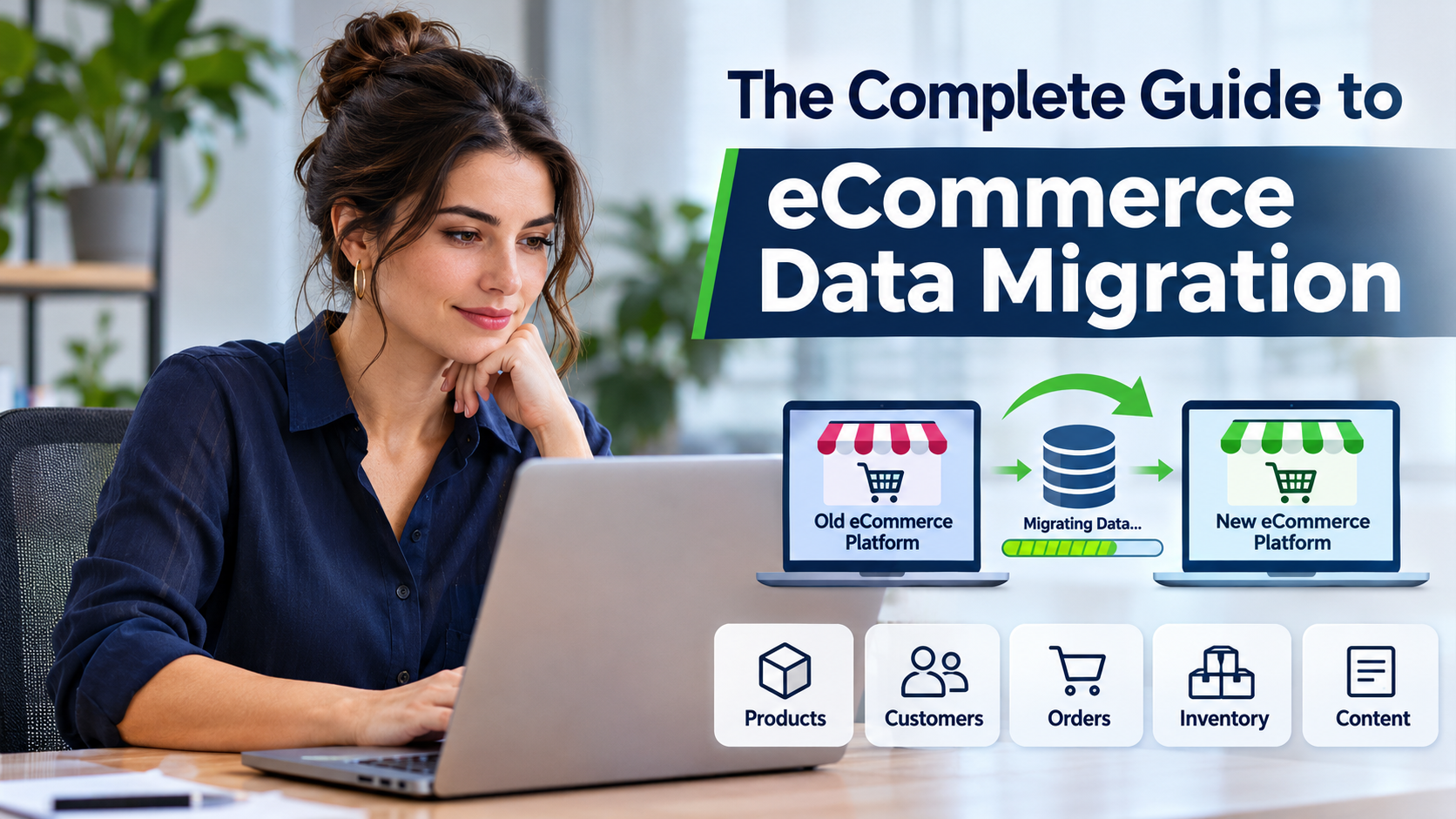
The Complete Guide to eCommerce Data Migration
24 Nov 2026

Moving an online store to a new eCommerce platform can solve several business problems, from limited functionality and outdated technology to complicated product management and poor integration with other business systems. However, the process involves more than transferring product names and prices into a new website.
An eCommerce store contains interconnected information, including product catalogues, SKUs, images, customer records, order histories, inventory data, categories, pricing rules and website content. If these records are transferred incorrectly, businesses can experience missing product information, broken links, inaccurate stock levels and unnecessary disruption to daily operations.
A well-planned eCommerce data migration helps businesses move their information while maintaining data quality and operational continuity.
This guide explains how to plan, prepare, execute and validate an eCommerce data migration, including the practical challenges businesses should consider before changing platforms.
eCommerce data migration is the process of transferring online store information from one platform, database or business system to another.
For example, a retailer moving from WooCommerce to Shopify needs to transfer relevant product information, customer records, order history and other store content into the new environment.
The process may involve exporting existing information, cleaning records, mapping fields, converting file formats, importing data and checking the results.
Depending on the business requirements, migration may include:
Not every platform supports every data type through its standard import process. Some information may require migration applications, API integrations or manual processing.
Businesses usually consider migration when their existing platform no longer supports their operational requirements.
A growing retailer may find that its existing platform cannot support its expanding product catalogue, complex variations or integration requirements.
Moving to another platform can provide a different set of tools for managing products, customers, orders and sales channels.
As product ranges expand, managing thousands of records through spreadsheets and manual updates becomes increasingly difficult.
A migration project provides an opportunity to reorganise product categories, standardise attributes, correct duplicate SKUs and improve catalogue consistency.
An online store may need to exchange information with an ERP, CRM, warehouse management system, PIM platform or marketplace.
Migration can be part of a wider technology upgrade designed to improve how these systems share information.
Older platforms sometimes contain inconsistent records, outdated product information and unnecessary fields.
Moving to a modern system gives businesses an opportunity to review their existing data and decide which records should be transferred, archived or removed.
Retailers entering new countries or selling through additional marketplaces may need improved product data structures, currencies, language fields and category management processes.
A carefully managed migration helps prepare product information for these new requirements.
One of the first decisions is determining which information needs to move into the new system.
Transferring everything without reviewing its relevance can increase project complexity and carry unnecessary errors into the destination platform.
Product data is usually one of the most important parts of an eCommerce migration.
Typical fields include:
Businesses should also review parent-child product relationships. A product with several sizes and colours, for example, should retain the correct variation structure after migration.
Customer records may include names, email addresses, telephone numbers, billing addresses, shipping addresses and account-related information.
Marketing consent and communication preferences require particular attention. Businesses should preserve applicable consent records and ensure that customer information is handled according to relevant privacy requirements.
Avoid transferring unnecessary personal information simply because it exists in the old system.
Historical order information can be important for customer service, returns, refunds, accounting and reporting.
Depending on the destination platform, businesses may need to migrate:
Check how the destination platform handles historical orders. Some platforms require migration applications or API-based processing rather than standard CSV imports.
Inventory records need to be handled carefully, particularly when businesses operate multiple warehouses or fulfilment locations.
Review stock quantities, reserved inventory, warehouse identifiers, pricing structures and currency settings before migration.
The business should also identify which system will remain the source of truth for stock levels after launch.
A platform migration can affect more than product records.
Businesses should review:
A change in URL structure without an appropriate redirect plan can affect search engine visibility and customer navigation.
A structured migration process makes it easier to identify problems before they affect the live store.
Begin by reviewing the source platform and identifying all the information currently stored.
Prepare an inventory of products, categories, customers, orders, images, inventory records and other important information.
During the audit, check for:
For example, a clothing retailer may have the same colour recorded as Navy, navy blue and Dark Blue across different spreadsheets. These inconsistencies should be reviewed before migration.
The objective is to understand the actual condition of the existing data rather than assuming that all records are ready for transfer.
Not every record needs to enter the new platform.
Divide the information into three groups:
Data to migrate: Active products, relevant customer records, current inventory, required order history and essential website content.
Data to archive: Older transaction records, discontinued product information and historical information that may be needed for reference or compliance.
Data to remove: Confirmed duplicates, obsolete test records and information that the business is authorised to delete.
Make these decisions with the relevant business and compliance teams, particularly when customer or transaction information is involved.
Poor-quality source data can create significant problems after migration.
Before transferring the catalogue, review product titles, descriptions, SKUs, attributes, categories and images.
Useful preparation activities include:
For large catalogues, dedicated product data cleansing support can help identify and correct inconsistencies before import.
Data mapping determines where each field from the existing system should go in the new platform.
Different eCommerce platforms may use different field names, structures and product relationships.
For example:
| Source Field | Destination Field |
|---|---|
| Product Name | Product Title |
| Item Code | SKU |
| Long Description | Product Description |
| Regular Price | Price |
| Product Category | Category or Collection |
| Colour | Colour Attribute |
| Product Image URL | Product Media |
| Stock Quantity | Inventory Quantity |
Mapping requires more attention when the destination platform handles variations, categories or custom attributes differently.
A simple field-name change may not be enough. Some information needs to be reformatted, combined or divided into separate fields.
Create a mapping document and have the relevant stakeholders approve it before processing the full catalogue.
The migration method depends on data volume, platform compatibility, technical resources and project complexity.
CSV and spreadsheet migration
CSV files can be suitable for straightforward product and customer imports. They are relatively easy to review and edit, but large or complicated datasets may require extensive preparation.
Migration applications
Third-party migration applications can automate parts of the transfer between supported platforms. Check which records, fields and relationships are included before relying on an application.
API-based migration
APIs are useful for complex data structures, custom integrations and larger migration workflows. They usually require technical planning, development and testing.
Manual migration
Manual processing may be appropriate for small catalogues or selected records. It becomes less practical when thousands of products and multiple related datasets are involved.
Many businesses use a combination of these methods rather than relying on one approach for the entire project.
Never assume that an import will work correctly simply because the file format is accepted.
Start with a representative sample containing different product types, variations, images and attributes.
Check whether:
Include complicated records in the test rather than selecting only simple products.
For instance, test a configurable product with multiple sizes, colours, images and custom attributes. It is more useful than testing only a basic product with one SKU.
Correct mapping or formatting problems before importing the remaining data.
After approving the test results, proceed with the main migration.
The work should follow an agreed schedule and include appropriate access controls, backups and quality checks.
For stores that continue receiving orders during the migration, plan how to handle new customers, orders, product changes and stock movements.
A final synchronisation or delta migration may be necessary to capture changes made after the initial data export.
The business should also coordinate the launch with its technical team, payment providers, warehouse operations and customer support staff.
Data validation confirms whether the information has arrived correctly and remains usable.
Compare the source and destination records using agreed checks.
Important validation activities include:
For large datasets, automated comparisons can identify missing records and field-level differences. Manual sampling is still useful for checking whether product information appears correctly to customers.
Migration work does not end when the new website goes live.
Monitor the store closely during the initial operating period.
Pay particular attention to:
Compare sales, traffic, conversion rates and customer support queries against appropriate pre-migration baselines.
Document problems, assign responsibility and resolve important issues promptly.
Even well-planned migration projects can encounter problems. Recognising the common issues makes them easier to prevent.
Different naming conventions, missing attributes and incorrect SKUs can produce unreliable product listings.
How to address it: Clean and standardise the source catalogue before importing records.
Product image URLs may change, become inaccessible or point to the wrong products.
How to address it: Check image availability, file references and SKU associations before and after migration.
A source platform may organise product options differently from the destination platform.
How to address it: Review parent products, variant identifiers and attribute mapping using representative test products.
Changes to product and category URLs can create broken links and reduce organic visibility.
How to address it: Prepare a URL mapping spreadsheet, implement appropriate permanent redirects and check important destinations after launch.
Some migration methods do not support every customer field or historical transaction type.
How to address it: Review platform-specific import limitations and decide which information requires an application, API or separate archive.
Stock levels can become inaccurate if orders continue arriving while migration is underway.
How to address it: Establish a stock synchronisation plan and confirm the final inventory position with the responsible system.
A few practical measures can reduce the risk of avoidable migration problems.
Businesses with small and straightforward catalogues may be able to manage migration internally using standard import tools.
However, specialist support can become useful when:
Outsourcing does not remove the need for business and technical oversight. The company should still define migration requirements, approve mapping rules, control access and review the results.
India Data Entry Services supports businesses with product data preparation, catalogue processing, data cleansing and migration-related activities. Its team can help organise product information for transfer between eCommerce systems according to agreed project requirements.
Businesses planning to move large product catalogues between platforms can explore professional product data migration services to help prepare product titles, SKUs, categories, attributes, images and variations for the destination system.
Businesses can also explore product data management services when ongoing catalogue accuracy and consistency are important beyond the initial migration.
Use this checklist before approving a migration project.
| Task | Status |
|---|---|
| Audit existing store information | ☐ |
| Identify data to migrate and archive | ☐ |
| Back up source data | ☐ |
| Clean duplicate and incomplete records | ☐ |
| Standardise product information | ☐ |
| Prepare source-to-destination field mapping | ☐ |
| Select the migration method | ☐ |
| Run a sample migration | ☐ |
| Validate products and variations | ☐ |
| Check customers and order records | ☐ |
| Verify inventory and pricing | ☐ |
| Prepare URL redirects | ☐ |
| Complete final data synchronisation | ☐ |
| Test checkout and essential integrations | ☐ |
| Monitor the new store after launch | ☐ |
eCommerce data migration is an important operational project that deserves careful preparation. A successful transfer depends on more than moving records from one platform to another. Product information must remain accurate, customer and order records must be handled correctly, and the new store must support everyday business operations.
The best approach is to audit the existing data, remove unnecessary inconsistencies, map fields carefully, test the migration and validate the final results.
For businesses managing large product catalogues or multiple sales channels, professional data preparation and migration support can make the process more manageable.
If your business is planning an online store migration, consider reviewing your existing product information and migration requirements before starting the transfer. A clear plan can help avoid unnecessary rework and make the transition to your new eCommerce platform more predictable.
Planning to migrate your online store or transfer a large product catalogue? Contact India Data Entry Services to discuss your migration requirements and get support with product data preparation, catalogue processing and data management.
24 Nov 2026
23 Nov 2026