
Why Product Specifications Matter in eCommerce
12 Aug 2026

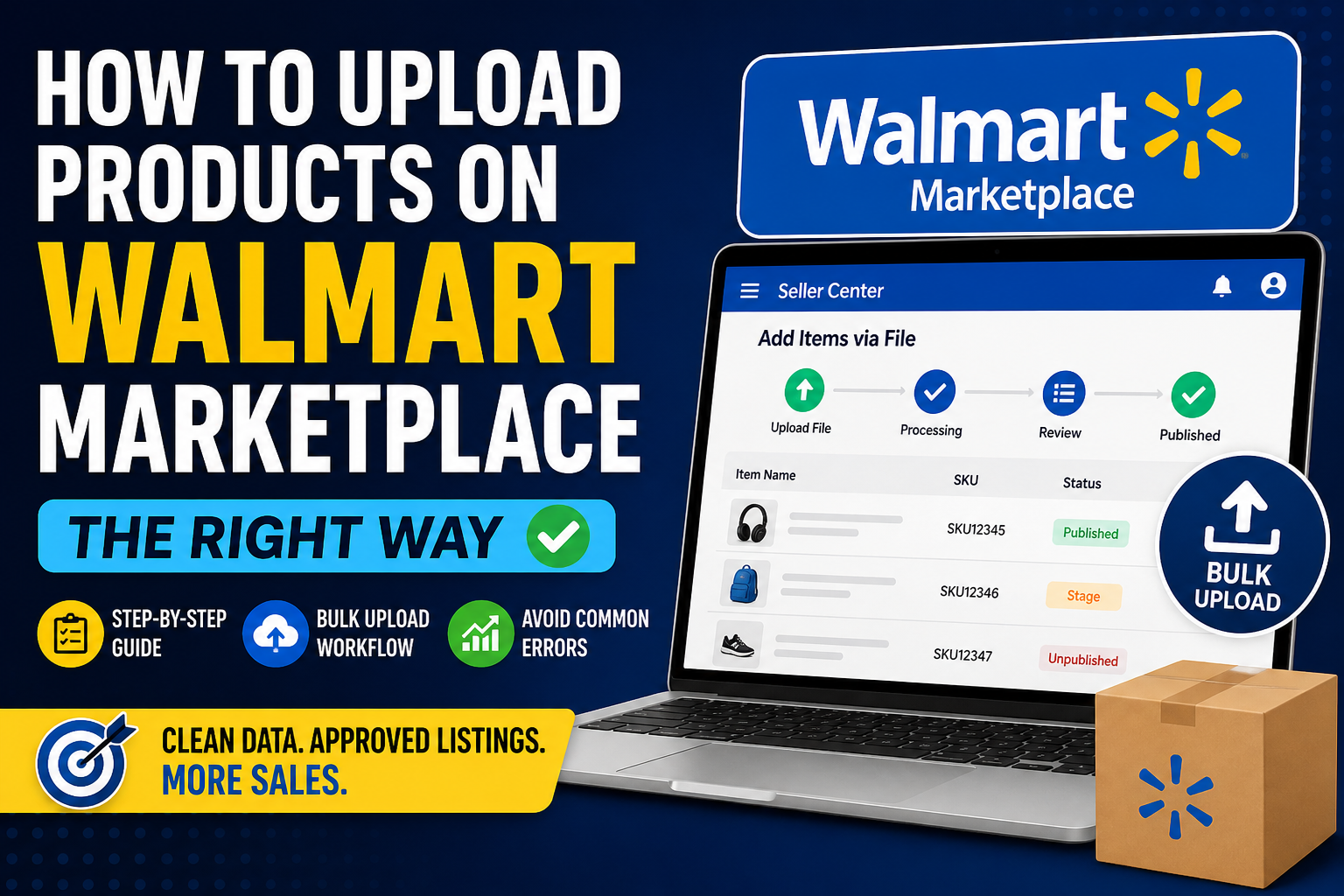
A seller recently moved 8,000 SKUs from their website to Walmart Marketplace.
They assumed it would take a few days.
It took three weeks.
Not because Walmart is complicated—but because their product data wasn’t structured correctly. Variants broke. Images didn’t sync. Half the listings went into “stage” instead of going live.
Uploading products isn’t the hard part.
Getting them approved, searchable, and consistent—that’s where most teams get stuck.
Let’s walk through how to upload products on Walmart Marketplace the right way.
Uploading a few items manually feels simple.
Uploading at scale exposes issues like:
Walmart is stricter than platforms like Shopify.
It behaves more like Amazon when it comes to structured data.
If your catalog isn’t clean, uploads don’t fail immediately—they fail silently.
Before uploading anything, you need to understand how Walmart organizes product data.
Every product listing requires:
Unlike Shopify, where you can freestyle listings, Walmart enforces structured data per category.
This means:
Uploading the same product in the wrong category = rejection or invisibility.
Best for:
You create products directly inside Walmart Seller Center.
Limitations:
Best for:
This method uses Walmart’s predefined templates.
You download a category-specific sheet, fill it, and upload.
Reality check:
Most sellers underestimate how complex these templates are.
Here’s the simplified version of the process:
Go to your Walmart Seller Center dashboard.
Choose whether you want to:
This step matters more than people think.
Each category has:
Include:
You must include:
No identifier = no listing approval (in most cases)
Products don’t go live instantly.
They enter a review + processing stage.
Uploading 500–10,000 products isn’t about filling a sheet.
It’s about managing data correctly before uploading.
Here’s the workflow most experienced teams follow:
Before touching Walmart templates:
Each category sheet includes:
Ignoring these leads to upload errors.
Smart teams don’t upload blindly.
They:
Uploading everything at once increases failure risk.
Better approach:
After upload:
Most sellers forget this step.
Half their catalog never goes live—and they don’t notice.
These are the issues that quietly block your listings:
Walmart requires public, accessible image URLs.
Broken or slow-loading links = rejection.
Wrong category = missing required attributes.
If parent-child relationships aren’t structured properly:
Uploading the same SKU multiple times creates conflicts.
Example:
This causes validation errors.
| Platform | Flexibility | Data Strictness | Best For |
|---|---|---|---|
| Shopify | High | Low | Quick setups |
| Amazon | Medium | Very High | Structured catalogs |
| Walmart | Medium | High | Clean, scalable listings |
Here’s what actually works in real operations:
This is not a one-time task.
Catalog management is ongoing.
If your team is spending:
…it’s usually a data problem, not a platform problem.
At India Data Entry Services, we’ve seen sellers waste months trying to fix catalog issues internally—only to realize their product data needed restructuring first.
Another common scenario:
A brand scaling from 500 to 20,000 SKUs.
Manual processes collapse quickly at that stage.
Uploading products on Walmart Marketplace is straightforward in theory.
But at scale, it becomes a data management problem—not an upload task.
The sellers who succeed aren’t the ones who upload faster.
They’re the ones who:
Once that’s in place, uploads become predictable—not frustrating.
12 Aug 2026