Why Product Specifications Matter in eCommerce
12 Aug 2026

A store owner recently contacted us after moving nearly 18,000 products into WooCommerce over a weekend. By Monday morning, product images were missing, variant pricing was mismatched, and hundreds of URLs had changed without redirects.
The migration itself wasn’t the problem.
The catalog structure was.
Uploading 20 products manually is straightforward. Migrating thousands of SKUs with categories, filters, variations, SEO data, inventory rules, and marketplace formatting is where most ecommerce teams hit operational trouble.
WooCommerce gives businesses flexibility, but product migration requires planning far beyond a simple CSV upload. One broken attribute mapping can create thousands of inaccurate listings.
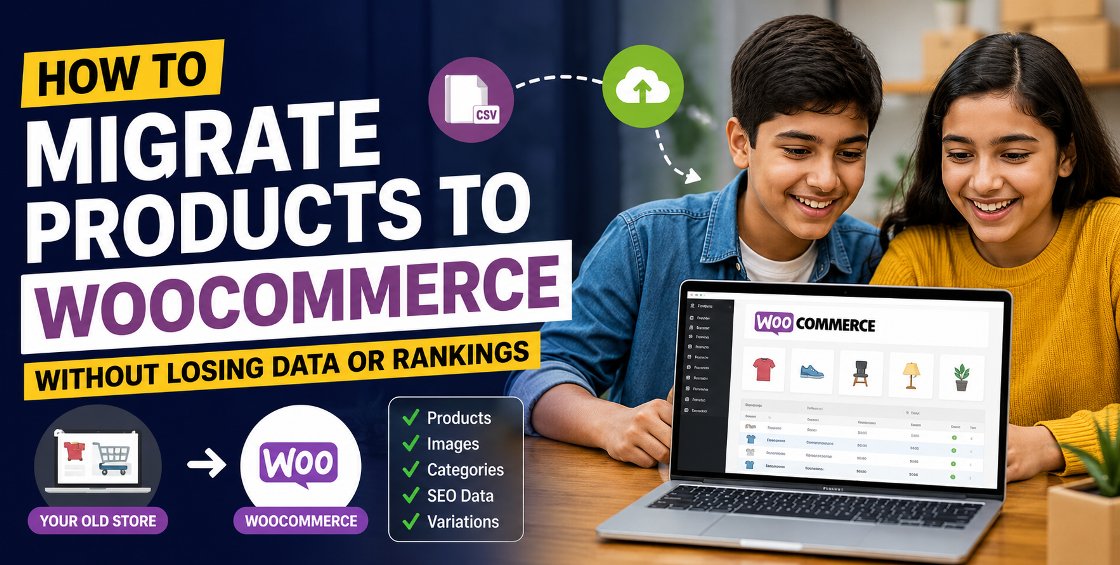
This guide walks through the practical side of migrating products to WooCommerce — including preparation, migration methods, common failures, and ways to avoid catalog cleanup disasters afterward.
Most migrations happen for one of these reasons:
WooCommerce works especially well for businesses managing:
But flexibility also means migrations require cleaner backend data.
If the source catalog already contains duplicate SKUs, inconsistent categories, or poor attribute naming, WooCommerce simply exposes those issues faster.
This is the step many businesses skip.
And it’s usually the reason migrations fail later.
Before exporting anything, review your existing catalog carefully.
A common issue:
WooCommerce relies heavily on structured identifiers. Poor SKU management creates inventory sync problems later.
Variant-heavy catalogs often break during migration.
Especially for:
Common problems include:
A retailer selling shoes across Shopify and Amazon once migrated into WooCommerce only to discover size variants had separated into individual products.
Instead of one product page with 12 sizes, they suddenly had 12 standalone products.
Cleaning that manually took days.
Many stores carry years of category clutter.
Examples:
WooCommerce migrations are smoother when taxonomy structures are simplified beforehand.
This also improves:
The right migration method depends on catalog size, platform complexity, and technical resources.
Best for:
WooCommerce includes a built-in CSV importer.
Typical workflow:
For stores under 2,000 products, CSV migration is usually manageable.
Beyond that, operational complexity increases quickly.
Popular options include:
These tools automate much of the migration process.
They can transfer:
Automated migration tools still require validation afterward.
We’ve seen cases where:
Automation reduces workload but doesn’t replace QA.
Large stores often require custom migration handling.
Especially when dealing with:
In these cases, migration usually involves:
At India Data Entry Services, we’ve worked with ecommerce teams handling catalogs large enough that even a small attribute error could affect thousands of listings across multiple marketplaces.
Those migrations require process control more than simple importing.
Many ecommerce teams focus only on product titles and pricing.
But missing backend data creates larger problems later.
Changing URLs without redirects can damage organic rankings quickly.
Important elements:
If your existing store ranks well in search results, preserve URL structures wherever possible.
Don’t forget:
These fields often disappear during rushed migrations.
Image migration issues are extremely common.
Problems include:
One catalog cleanup project involved over 40,000 products where image filenames had no SKU references at all.
Example:
That creates long-term operational headaches.
Double-check:
Inventory mismatches after migration can lead to overselling within hours.
Never migrate directly into a live store.
A staging site allows teams to:
Attributes affect:
Poor formatting creates frontend confusion.
Bad example:
These become separate filters inside WooCommerce.
Migration shouldn’t replicate years of catalog clutter.
Use migration as an opportunity to:
No migration is fully automated.
Even the best tools require:
Large catalogs especially require layered QA processes.
Here’s a workflow many ecommerce operations teams follow successfully.
Export:
Keep backup copies before editing anything.
This phase usually takes longer than expected.
Tasks include:
Never start with the full catalog.
Import:
This reveals mapping problems early.
Review:
Backend accuracy means little if the storefront breaks visually.
Preserve rankings with:
Review:
Many problems appear only after live traffic begins.
That depends on catalog complexity.
A migration project isn’t only technical.
It’s operational.
The larger the catalog, the more product governance matters.
12 Aug 2026